

openHAB
Topics
- Topics
- Screenshots
- Docker
- Backup
- Security
- Things on Tabs
- Camera Binding
- MQTT Server
- MQTT Bindings and Channels
- MQTT Demo Video
- Links
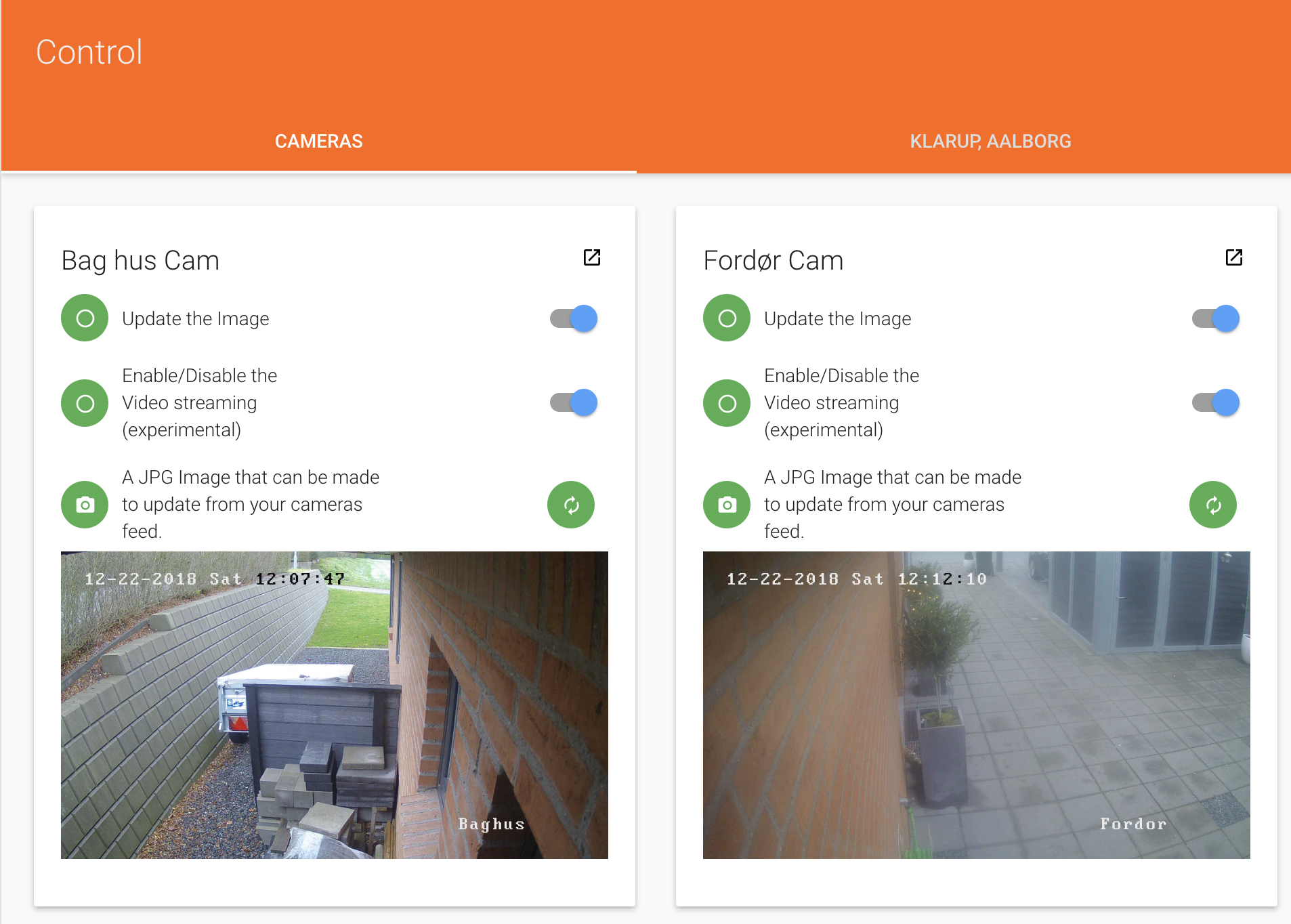
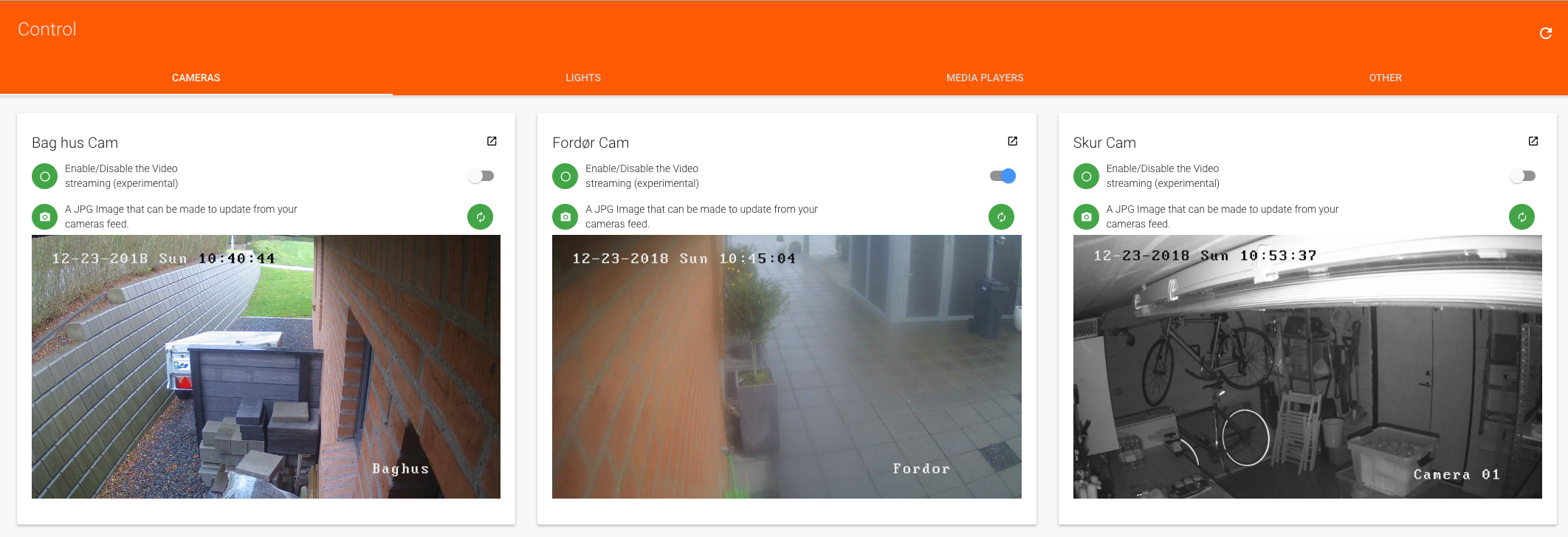
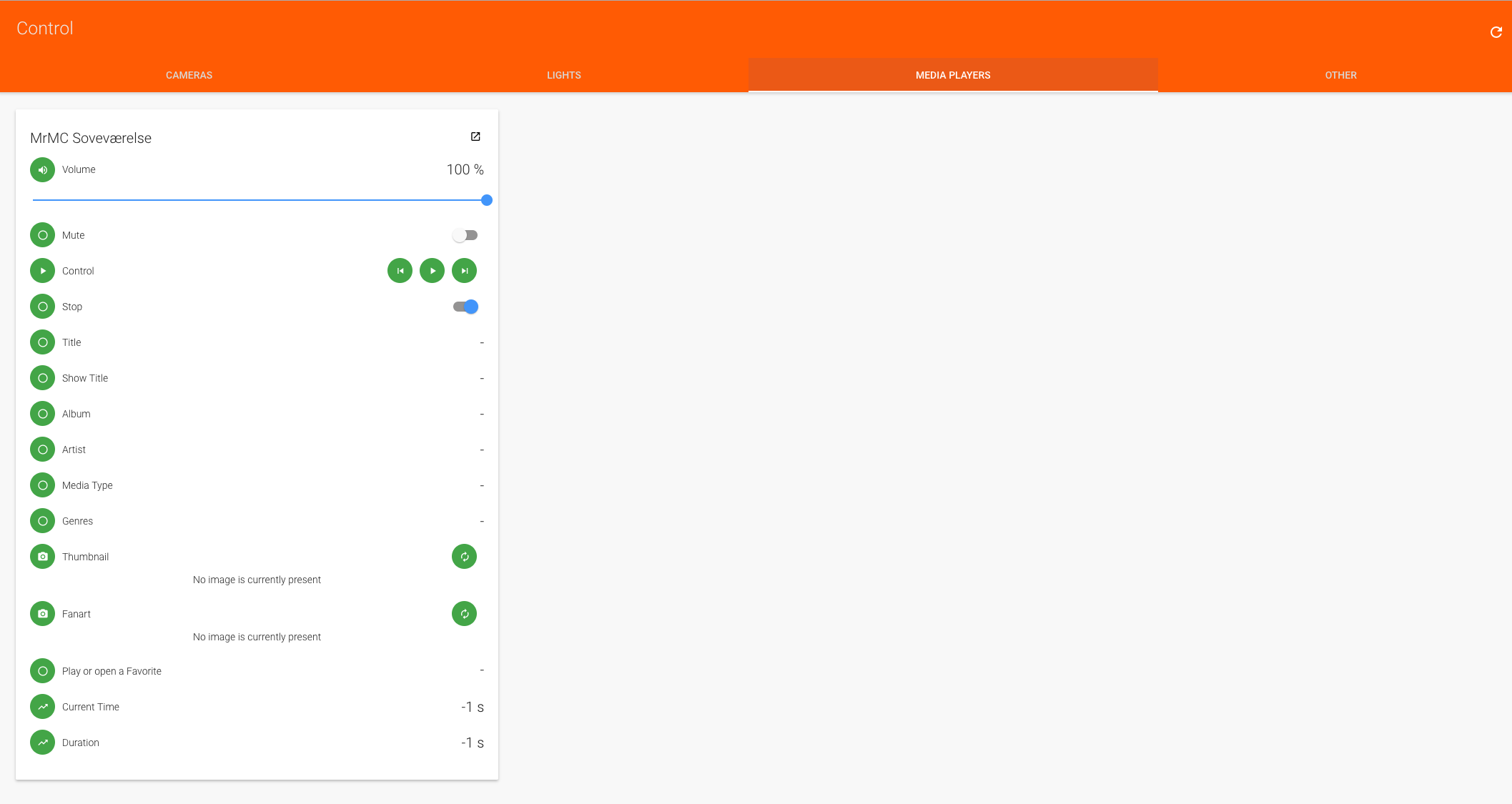
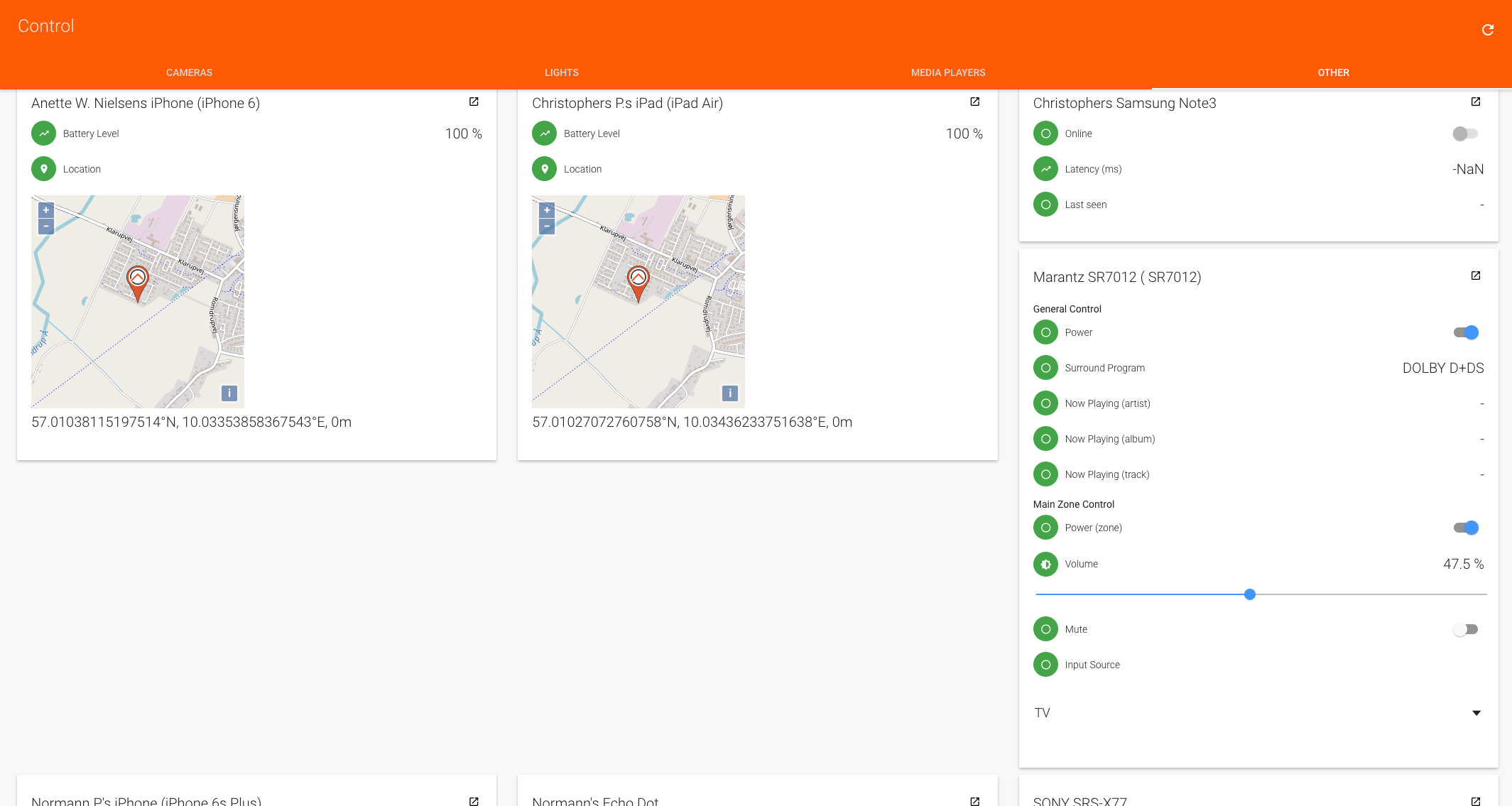
Screenshots
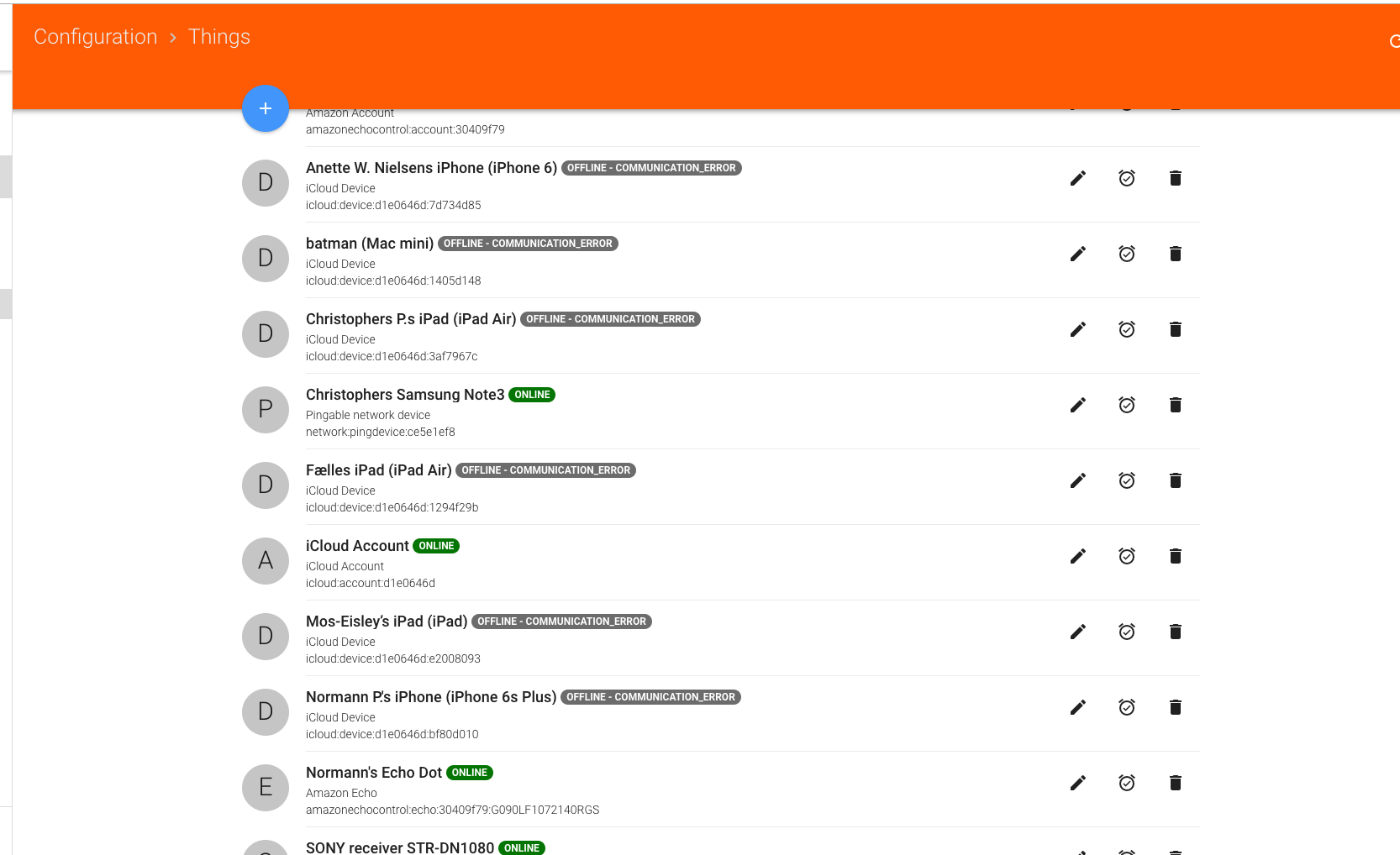
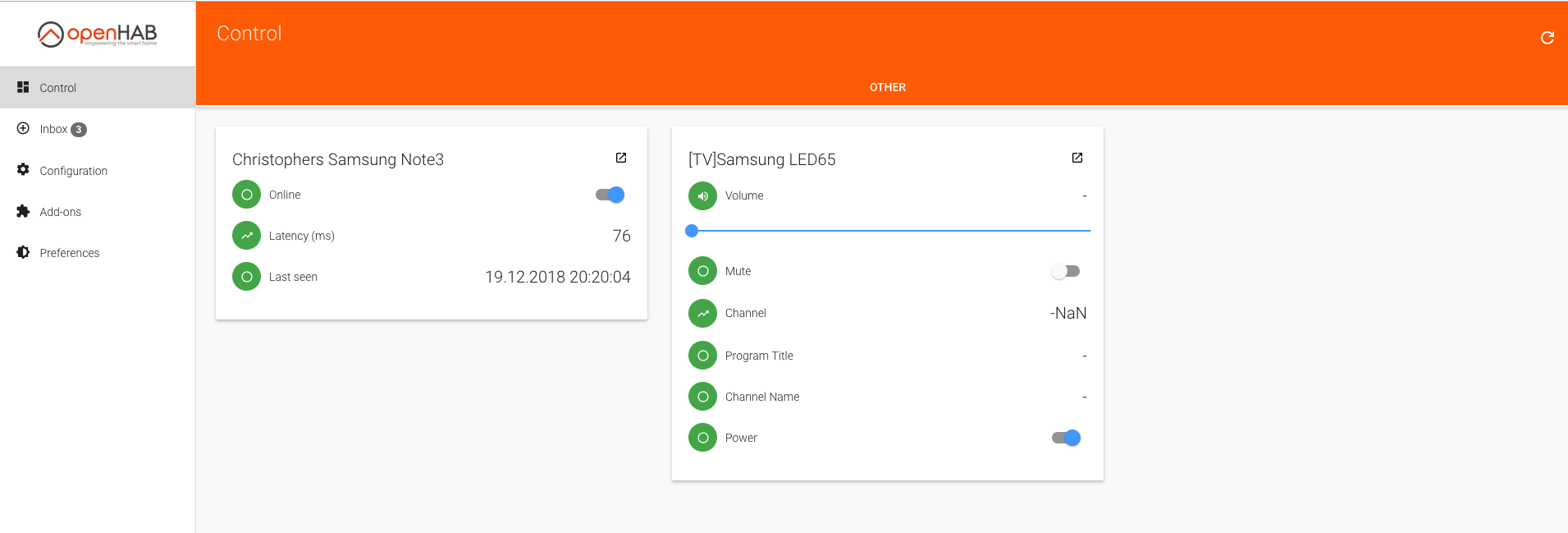
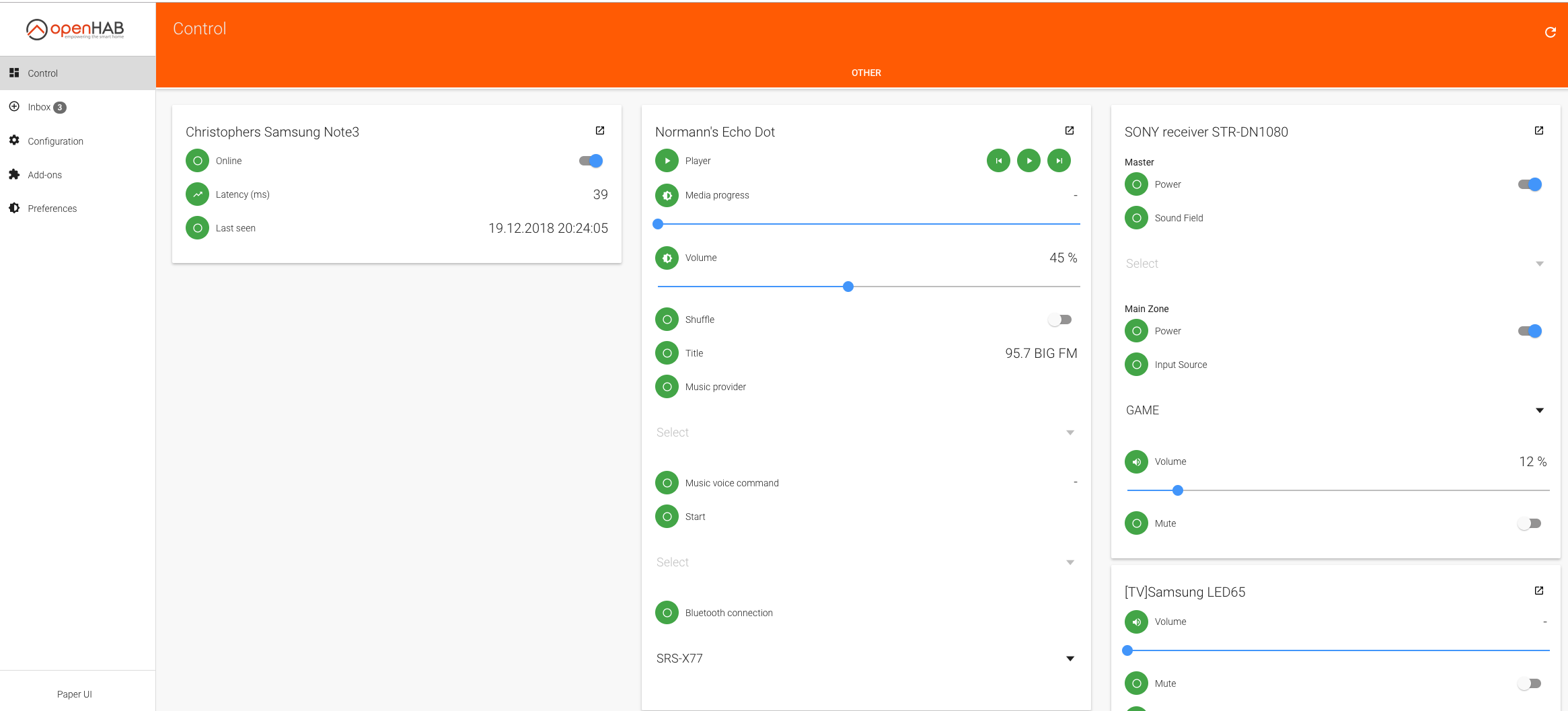

Docker
https://www.openhab.org/docs/installation/docker.html
Very easy to start and configure.
--name openhab \
--net=host \
-v /etc/localtime:/etc/localtime:ro \
-v /etc/timezone:/etc/timezone:ro \
-v /opt/openhab/conf:/openhab/conf \
-v /opt/openhab/userdata:/openhab/userdata \
-v /opt/openhab/addons:/openhab/addons \
-d \
-e USER_ID=1003 \
-e GROUP_ID=9001 \
--restart=always \
openhab/openhab
Backup
The easiest way is the make a cron job for backup, information on backup and restore are at https://www.openhab.org/docs/installation/linux.html#backup-and-restore
sudo vi /etc/crontab
0 22 * * * /opt/openhab/bin/backup
If You run the backup job manually one time, the location of the backup file(s) are shown:
root@homeassist:/opt/openhab/bin# ./backup
#########################################
openHAB 2.x.x backup script
#########################################
Using '/etc/openhab2' as conf folder...
Using '/var/lib/openhab2' as userdata folder...
Using '/usr/share/openhab2/runtime' as runtime folder...
Using '/var/lib/openhab2/backups' as backup folder...
Writing to '/var/lib/openhab2/backups/openhab2-backup-18_12_22-11_44_32.zip'...
Making Temporary Directory if it is not already there
Using /tmp/openhab2/backup as TempDir
Copying configuration to temporary folder...
Removing unnecessary files...
Backup Directory is inside userdata, not including in this backup!
Zipping folder...
Removing temporary files...
Success! Backup made in /var/lib/openhab2/backups/openhab2-backup-18_12_22-11_44_32.zip
root@homeassist:/usr/share/openhab2/runtime/bin#
Security
Notice that OpenHAB has no security, and You need to install it in front of openHAB. Do read Securing Communication and access to openHAB
Link for setting username password: Ngix and Apache
Things on Tabs
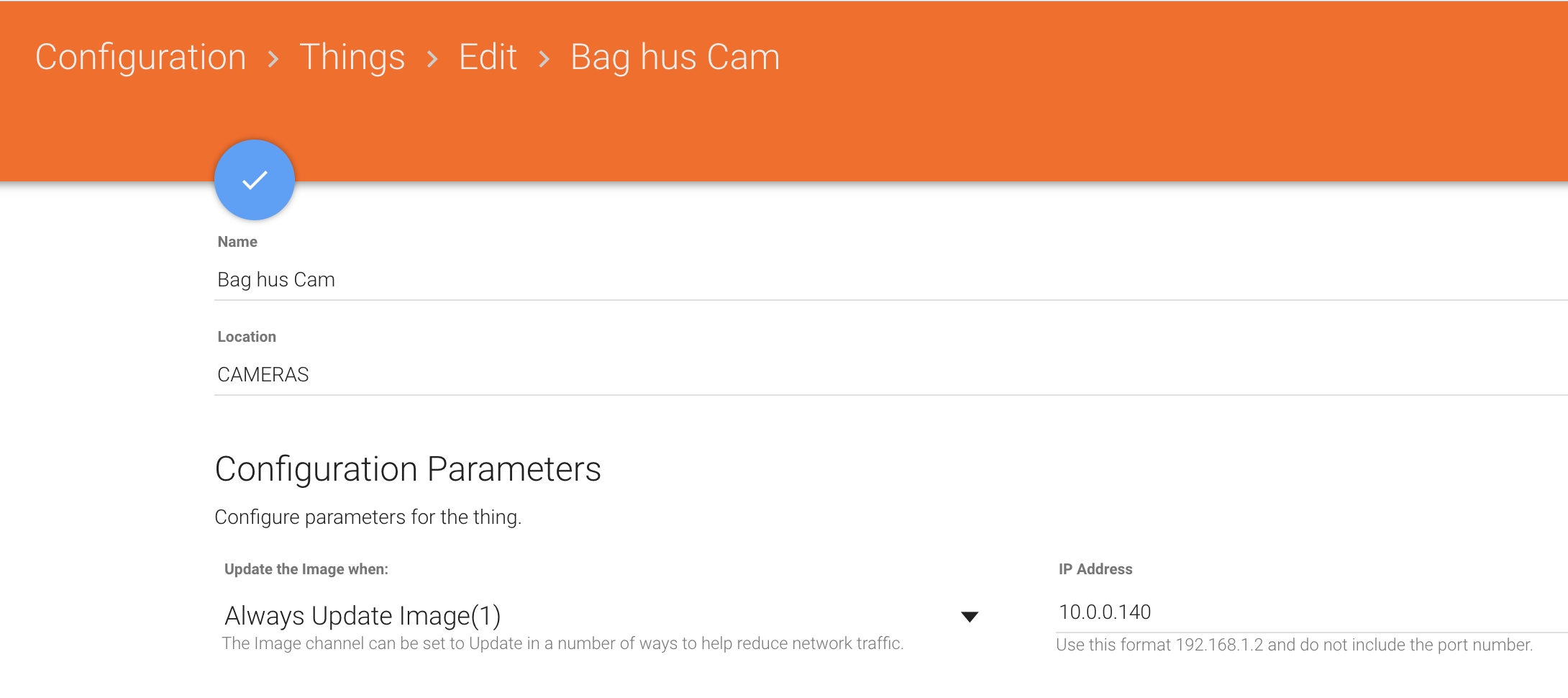
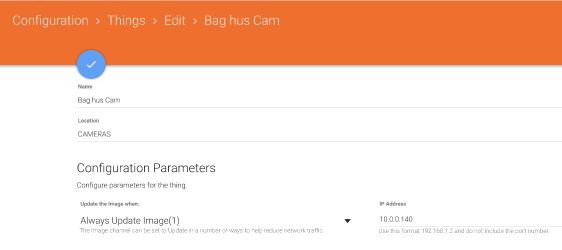
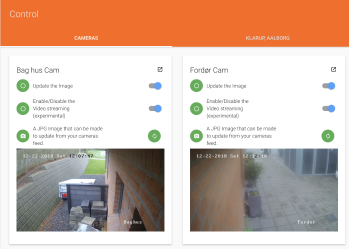
For each Thing, there is a Location field, that represents (at least) a Tab in the Paper UI:
 .
. 
Camera Binding
I use https://github.com/Skinah/IpCamera for my HIKVisions, but only with images currently. It works okay.
MQTT Server
Install the MQTT Service - this in an Internal MQTT Broker (Server)

Configure the broker.
MQTT Bindings and Channels
Install the MQTT Binding
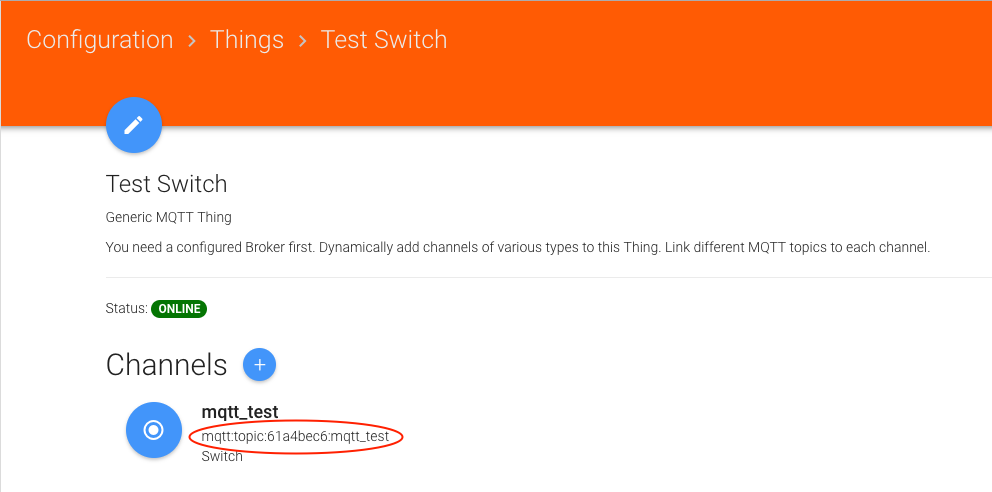
Then Create Things and Channels:
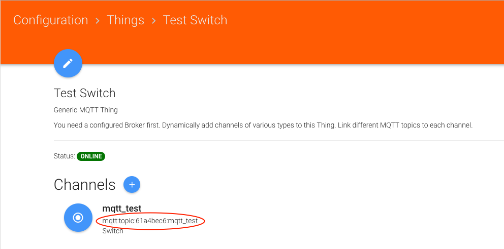
The Thing is the "physical" device, like a light Switch, and the Channel(s) is the properties the Light switch has - now, a switch has only On/Off, but other Things may have several properties, an engine can have On/Off, Temperature, Rounds Per Minute etc.
Pressing "+" for adding a channel gives the options.
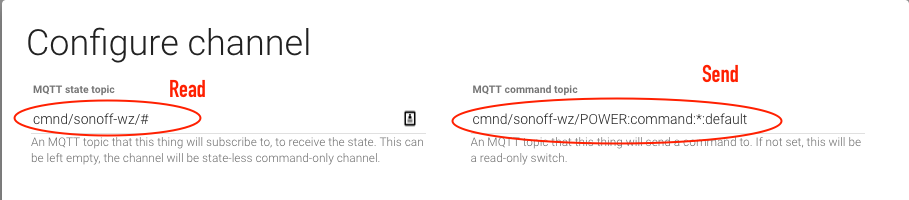
Define the Channel - typically where to send the command, and where to read the state:
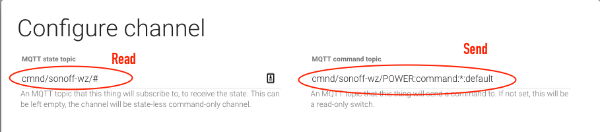
For HABPanel, the Channel can be used instantly, for a Sitemap in the Basic UI, You need to link the Channel to an Item in an items file (Notice the Channel name from the screenshot above):
Now we have an item that can be used on a Sitemap
MQTT Demo Video
This shows the above configuration in action - the Basic UI in upper left, the HABPanel in lower left, an external MQTT Client in upper right and the logging in the Event logfile in lower right.
Notice that the Sitemap does not alway update instantly, no clue why currently.
Links
Great tutorial
https://mysmarthomeweb.wordpress.com/
Examples of configs for HAPanel
https://community.openhab.org/t/examples-of-habpanel-solutions/15557/39
Matrix theme
https://community.openhab.org/t/matrix-theme-for-habpanel/31100
Hacking Basic UI
https://community.openhab.org/t/hacking-basicui-my-current-theme-oh2-setup-update-with-repo/45850
Eclipse IoT Marketplace
https://www.openhab.org/docs/configuration/eclipseiotmarket.html
OpenHAB with Wavin Gulvarme
https://www.lav-det-selv.dk/forum/aft/210932
Things to do with your network-connected Denon/Marantz receiver
http://techblog.vindvejr.dk/?cat=13
Controlling IKEA Trådfri Lights from your Pi
https://learn.pimoroni.com/tutorial/sandyj/controlling-ikea-tradfri-lights-from-your-pi
My smarthome with openHAB2
https://mysmarthomeweb.wordpress.com/