

openHAB with Amazon Alexa Skill
Topics
 So there is room for some serious improvement.
Alexa Skill with openHAB
The setup itself is described here and works ok - https://www.openhab.org/docs/ecosystem/alexa/ - the use of https://myopenhab.org/ has a few benifits: 1) Takes care of the oAuth2 authentification precess and 2) You dont need to open for openHAB in Your firewall.
After the setup I could not get my.openhab.com to talk to my local openHAB, I saw these in the openhab.log:
but after a while and a few UUID/Socket entering and restarts it suddenly worked.... I never figured out why...
After the setup, in went onto https://alexa.amazon.com/spa/index.html#appliances and added the skill:
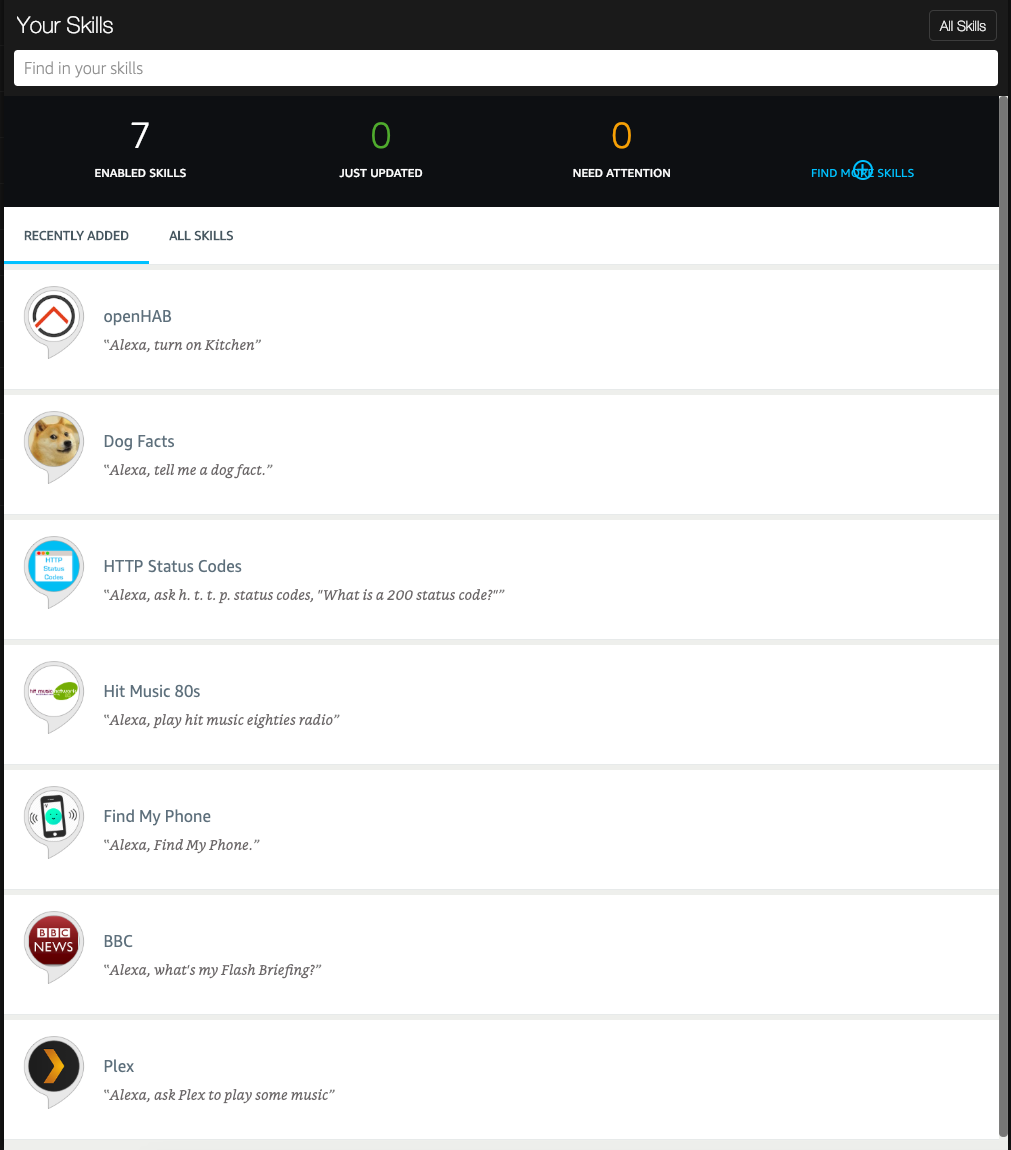
Then I created some files for binding the speach to Alexa and the (Zensehome) Things together.
Refer to OpenHAB with Zensehome . The Channel is the relation to a Thing; the "mqtt:topic:61a4bec6:kitchen-light" is the unique identifier.
Switch Dinner_Table_Light "Dinner Table Light" <light> (Kitchen) ["Lighting"] {channel="mqtt:topic:61a4bec6:alrum-light"}
Switch Bedroom_Light "Bedroom Light" <light> (Bedroom) ["Lighting"] {channel="mqtt:topic:61a4bec6:bedrom-light"}
Switch Toke_Light "Toke Ceiling Light" <light> (TokesRoom) ["Lighting"] {channel="mqtt:topic:61a4bec6:toke-light"}
Switch Christopher_Light "Christopher Ceiling Light" <light> (ChristhopersRoom) ["Lighting"] {channel="mqtt:topic:61a4bec6:christopher-light"}
Switch Large_bathroom_Light "Large Bathroom Light" <light> (LargeBathroom) ["Lighting"] {channel="mqtt:topic:61a4bec6:large-bathroom"}
Switch Small_Bathroom_Light "Small Bathroom Light" <light> (SmallBathroom) ["Lighting"] {channel="mqtt:topic:61a4bec6:small-bathroom"}
Switch TV_Light "TV Light" <light> (LivingRoom) ["Lighting"] {channel="mqtt:topic:61a4bec6:livingroom-floor-switch-south"}
Switch Vintrine_Light "Vitrine Light" <light> (LivingRoom) ["Lighting"] {channel="mqtt:topic:61a4bec6:livingroom-floor-switch-west"}
Switch Redlamps_Light "Redlamps Light" <light> (LivingRoom) ["Lighting"] {channel="mqtt:topic:61a4bec6:livingroom-ceiling-north"}
Switch Office_Light "Office Light" <light> (Office) ["Lighting"] {channel="mqtt:topic:61a4bec6:office-ceiling"}
Group Livingroom (House)
Group Kitchen (House)
Group Bedroom (House)
Group TokesRoom (House)
Group ChristophersRoom (House)
Group LargeBathRoom (House)
Group SmallBathRoom (House)
Group Office (House)
Switch All_Lights "All Lights" ["Lighting"]
Then I went back to Amazon and scanned for Devices.
Scanning for Devices
This little movie shows a rescan of devices:
The [video] macro is a standalone macro and it cannot be used inline. Click on this message for details.
Testing
During testing - I did a tail on the Log from OpenHAB with Zensehome to see the commands being passed to the "Java Application as Bridge":
INFO: New message with topic: zense/execute/18324, Message: ON
Jan 26, 2019 1:10:47 PM zensemqtt.Log logging
INFO: New message with topic: zense/execute/18324, Message: OFF
Jan 26, 2019 1:11:37 PM zensemqtt.Log logging
INFO: New message with topic: zense/execute/16476, Message: ON
Jan 26, 2019 3:39:52 PM zensemqtt.Log logging
INFO: New message with topic: zense/execute/18324, Message: ON
Jan 26, 2019 3:56:47 PM zensemqtt.Log logging
INFO: New message with topic: zense/execute/18324, Message: ON
Jan 26, 2019 5:23:39 PM zensemqtt.Log logging
INFO: New message with topic: zense/execute/18324, Message: ON
Jan 27, 2019 12:08:51 PM zensemqtt.Log logging
INFO: New message with topic: zense/execute/18324, Message: ON
Jan 27, 2019 12:27:12 PM zensemqtt.Log logging
INFO: New message with topic: zense/execute/18324, Message: OFF